Free
Open source
Simple text-size adjustments, with captured Original settings to return to.
Visit Font Size Tweak FreeFor Windows 10 and 11
Make classic Windows text easier to read, without making everything else bigger. Choose your size and keep a way back.
Sales aren’t open yet. Checkout is not currently available.
01 / The difference
Adjust five classic Windows text areas, without scaling everything else.
Choose a text area
Title bars selected. Move the slider to see the difference.
Project notes
Good things begin
with a clearer view.
Only the text in this website specimen changes. The conceptual surfaces are not screenshots of Windows or the Pro application, and do not predict exact application rendering. Sizes use CSS pixels as demonstration units, not Windows settings. Compare before shows all five examples at 16 CSS px and keeps your chosen sizes; Reset all restores the initial examples.
Windows 10 and 11 are the intended platforms. Newer surfaces and individual apps may behave differently.
02 / Your workflow
A comfortable starting point, with room to make it yours.
Choose a size across the five areas. Quick choices give you a comfortable place to start.
Fine tune each area independently. Save selected sizes as a preset on this device to use again.
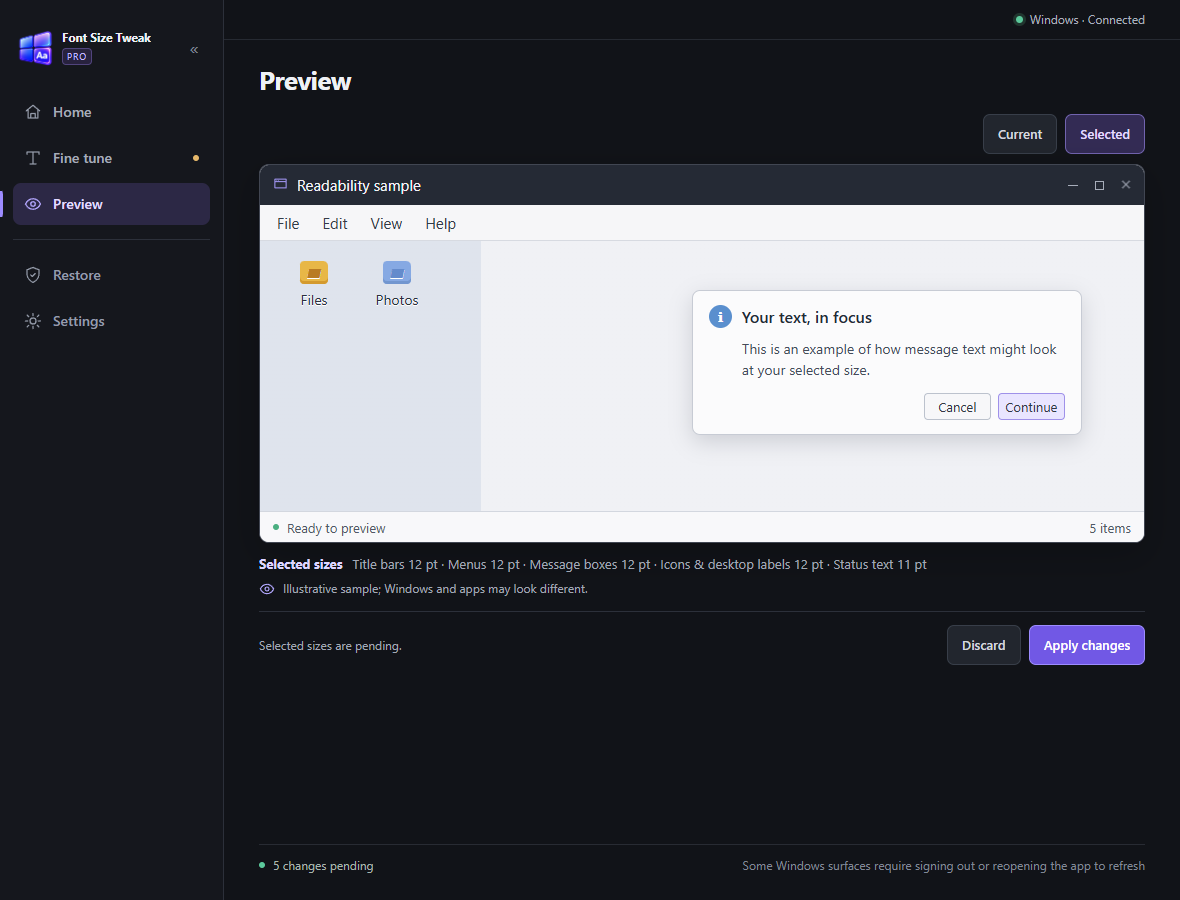
Inspect sizes in Pro’s illustrative interface preview. Apply makes the change; actual Windows surfaces and apps may look different.
Workflow illustration · not application UI.
Some changes may need a sign-out and sign-inInside the app
The controls behind a more comfortable view.
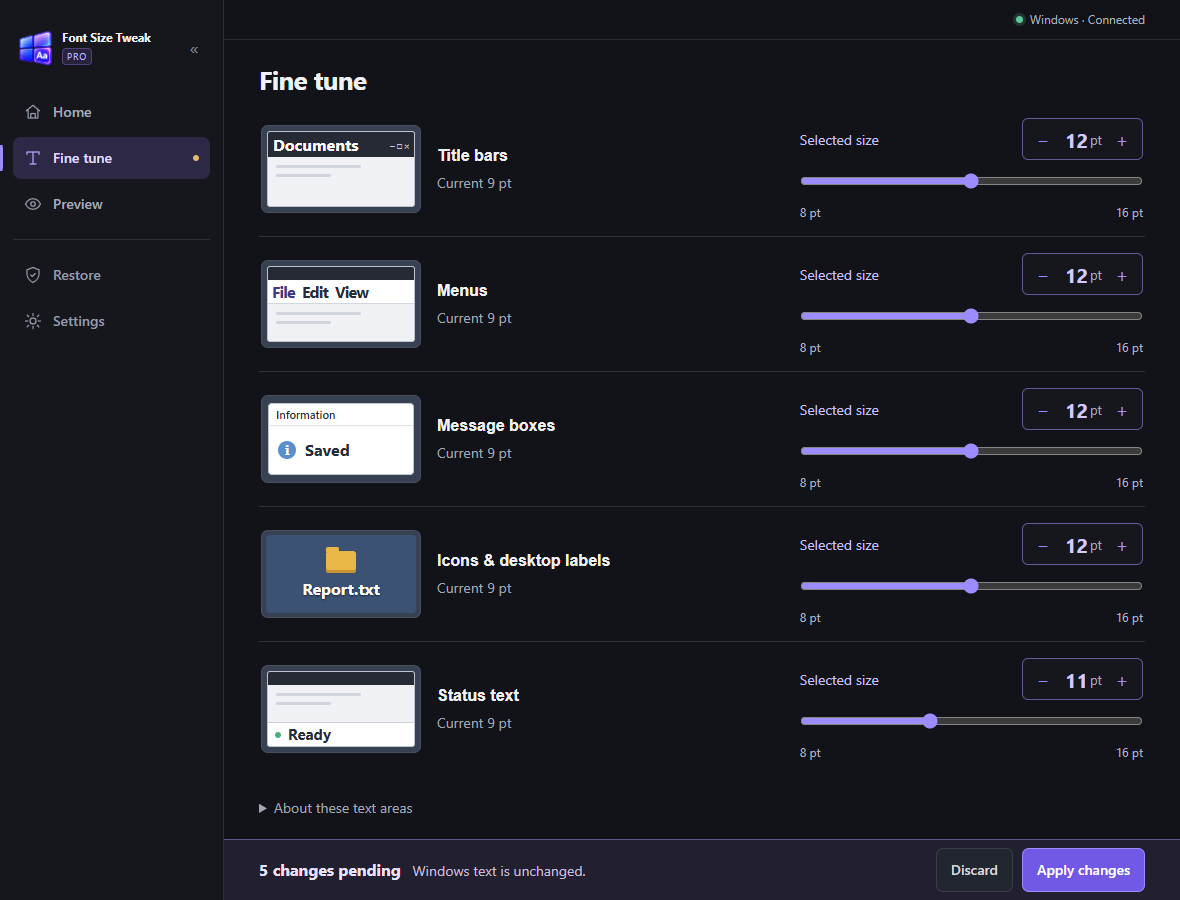
Give each text area its own size, and keep track of what is still pending.
Compare Current and Selected in the illustrative preview. Windows and individual apps may look different.
Real pre-release app screens. Selected sizes are examples; Windows changes only after Apply.
03 / A way back
Try a more comfortable size, with clear ways to return.
About adjustments and restoreApplied change
04 / The choice
Both editions adjust the same five classic Windows text areas.
Full edition comparisonPlanned offer: £7 GBP one-time, with no subscription. One licence is intended for up to three devices and does not expire. Sales aren’t open yet. Read the full terms before purchase.
Scroll horizontally to compare all features.
| Capability | Free | Pro |
|---|---|---|
| Five supported text areas | Yes · title, menu, message, icon and status text | Yes · same focused Windows scope |
| Adjustment | One metric at a time, or one size across all five | Quick choices and individual fine tuning |
| Preview | Live sample text at selected size | Illustrative interface preview |
| Saved presets | — | Save and reuse on this device |
| Original settings and Undo | Captured Original; one-level Undo | Captured Original; one-level in-session Undo |
| History and support | No persistent history; public guides | Persistent history and commercial email support |
Both editions focus on the same five classic Windows metrics. Modern surfaces and individual apps may behave differently.
Five supported classic Windows text areas: title bars, menus, message boxes, desktop/icon labels and status text. It does not change all Windows text or overall display scaling.
Pro captures the supported values before its first applied change. You can also undo the latest in-session operation or restore a recorded state. Read about adjustments and restore.
Sales and downloads are not available yet. In-app updates are not available yet either. See the setup overview or read update guidance.